Setup Product Academy
Create a course for your product
Navigate to the Academy section in the left sidebar, and click on the "Create Course" button. You will be asked to share the course preview url, which can be a Youtube or a Vimeo video link.
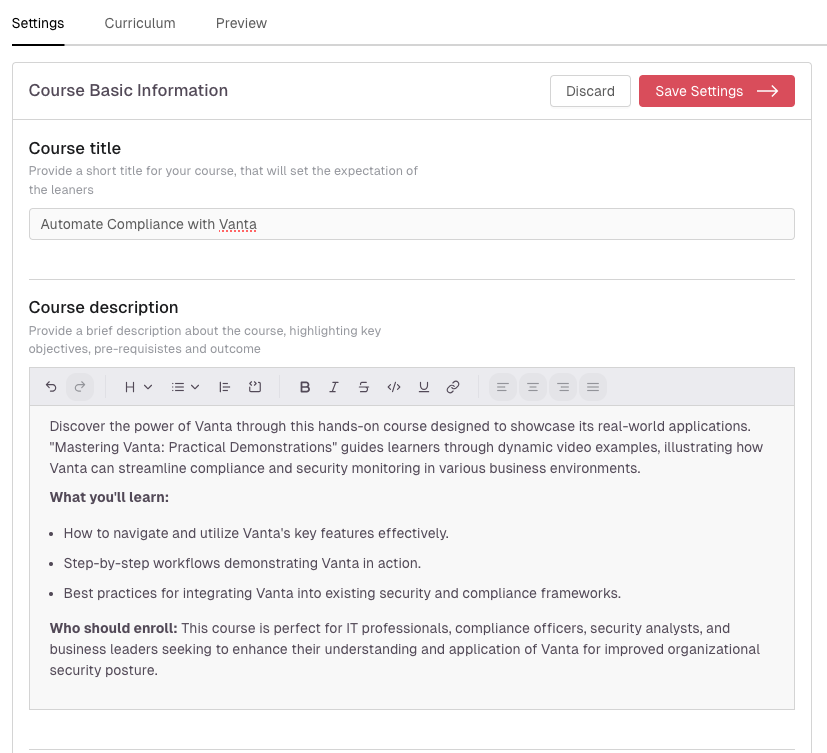
Update the settings
With AI in built, it will automatically generate a course title and description based on the course preview url. You can also edit the course title and description manually.
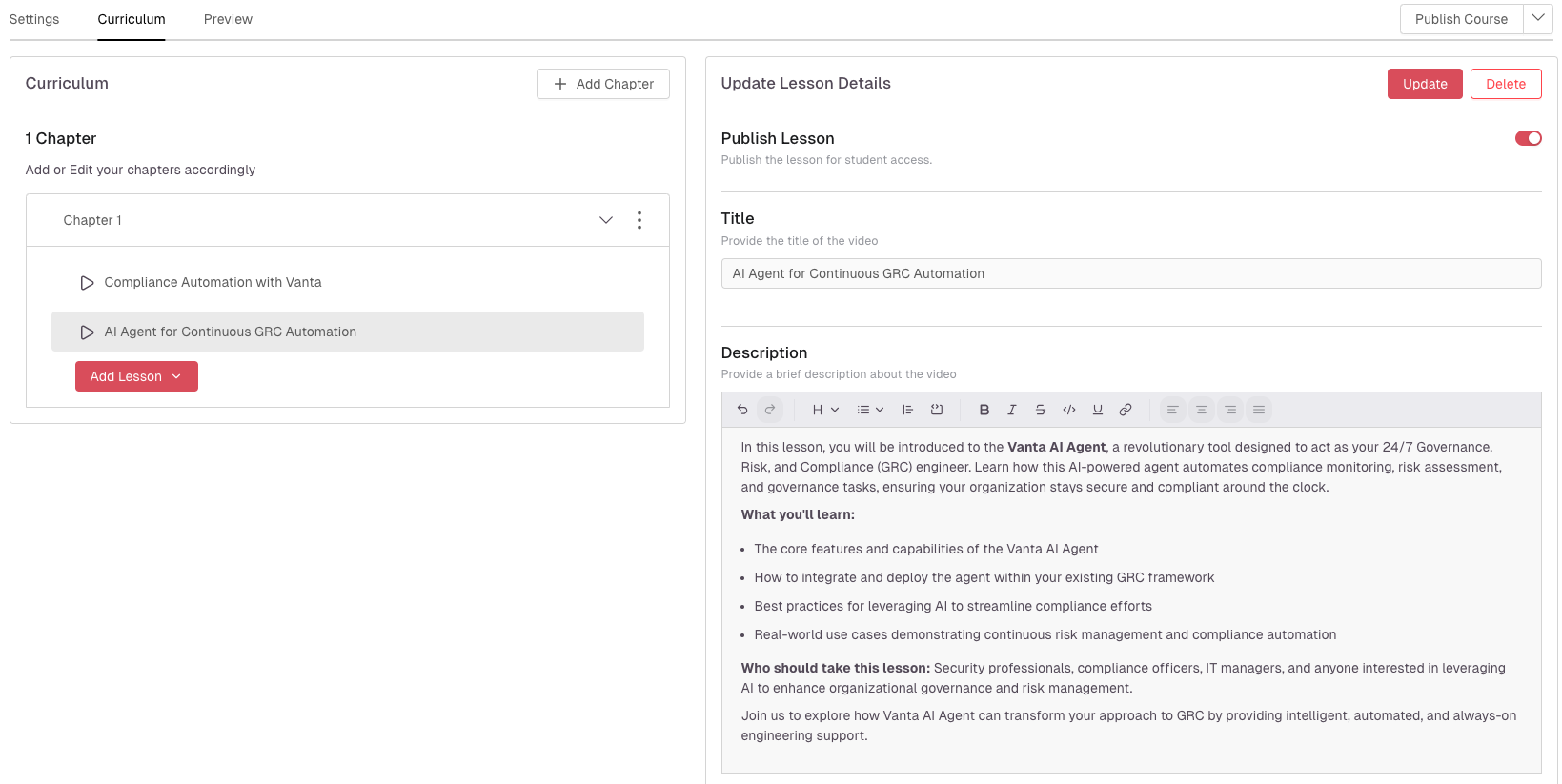
Add Chapters and lessons
Add Video or text lessons, or even quiz if you are on a paid plan.